Which blockers actually hold.
Every blocker on this page works on day one, while you still want it to. The real test comes a few weeks later, on a hard afternoon, when the urge shows up on schedule and you go looking for the way out. What a tool does in that minute is what separates a lock from a reminder.
This guide compares six blockers for Windows and Mac on that test: what they block, whether a running block can be stopped or uninstalled, and what the way out costs you. Each section draws on the tool's own documentation and on dated user reports.
Last checked: October 2026.
The short answer
- Best for a veteran hard lock
- Cold Turkey
- Best for real friction on Windows and Mac
- Coregent
- For every device, phone included
- Freedom
- Best for iPhone, solid on a Mac
- Opal
- For free website blocking on a Mac
- SelfControl
- For a free speed bump in one browser
- LeechBlock NG
How they compare
| Tool | Runs on | Every browser | Apps and games | Stop it mid-block | Uninstall mid-block | The way out | Pomodoro timer | Account |
|---|---|---|---|---|---|---|---|---|
| Cold Turkey | Windows, macOS | Yes, while locked | Yes | Only through its lock | Blocked | Random text, password or restart | Breaks on scheduled blocks | No |
| Coregent | Windows, macOS | Yes | Yes | Not in Regent Mode (Gold) | Blocked in Regent Mode | A Strava workout, or quotes retyped by hand | Yes, with a floating timer | No |
| Freedom | Windows, macOS, iOS, Android, Chromebook | Yes, by default | Yes | Once a week in Locked Mode | Blocked on Windows | A weekly end-session pass | Built by hand from sessions | Yes |
| Opal | macOS, iOS, Android | Six browsers, not Firefox | Yes | Yes, except Hardcore (Pro) | Not documented on Mac | A weekly Emergency Pass | No | Yes |
| SelfControl | macOS | Yes | No | No | Block survives it | Wait for the timer | No | No |
| LeechBlock NG | Browser extension | No, one browser | No | Depends on your settings | Yes | Password or random code | No | No |
Sources for every cell are in the sections below.
Cold Turkey
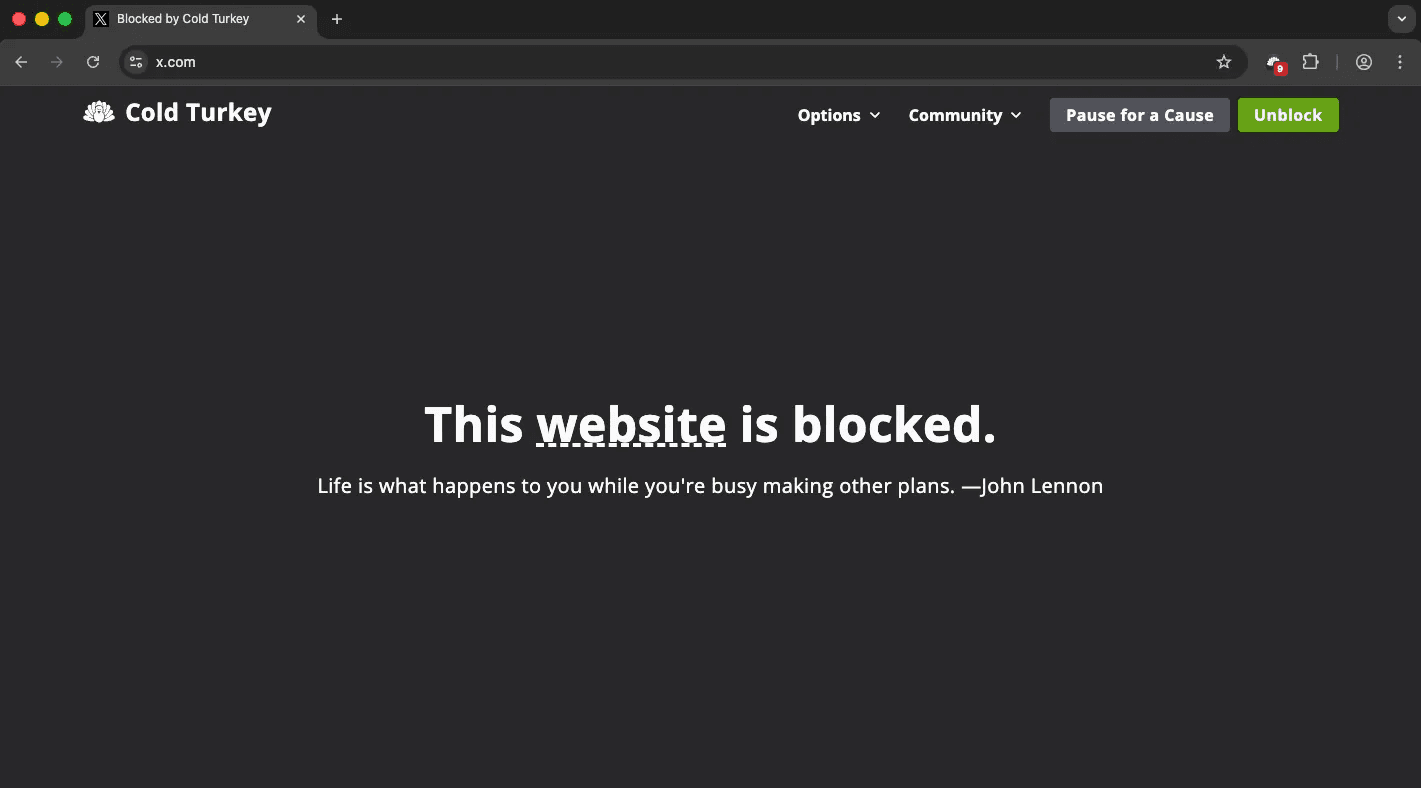
Cold Turkey is the OG of hard blockers. Felix Belzile started building it in 2010 and has worked on it full time since 2017, and over those years it has earned a reputation few tools in this category can claim: once it is locked, it holds. A locked block makes its own uninstaller fail, shuts any browser that is missing its extension, and only opens through the exit you picked before starting, whether that is waiting out the timer, typing a long random text, entering a password or restarting.
That track record comes with an older feel. The interface looks its age next to newer apps, there is no phone version, and your settings live on one computer with no sync to the next. Reviewers who stuck with it are loyal: “Locks are truly impossible to bypass,” one wrote on Trustpilot in December 2025, where it holds 3.8 out of 5 across some eighty reviews.
Key features
- Blocks websites, desktop apps and games on Windows and macOS
- Locked blocks that the uninstaller cannot break, plus a Frozen Turkey mode that locks the whole computer
- Blocks any browser that lacks its extension while a block is locked
- An exit you choose in advance: the timer, a random text, a password or a restart
- Pomodoro breaks on scheduled blocks, alternating work and break until the block ends
- Settings and statistics stay on your computer, with no account
Pricing
Free version for websites, Blocker Pro $45 once with free lifetime updates.
Choose Cold Turkey if
you want a proven lock you pay for once, on a single computer, and an older interface and the lack of a phone app don't bother you.
Coregent
Coregent blocks at the system level on Windows and macOS, so sites, apps, games and whole categories stay blocked whichever browser you open, with no extension to install in each one. It runs entirely on your machine, with no account and no cloud, which our security notes cover in detail. The free version gives you a blocklist, schedules and Pomodoro sessions, and lets you choose between friction, a wait before you can continue, and a hard block.
What sets it apart is Regent Mode, part of Gold. Before the urge arrives, you seal your lists, your timer and your schedules, and lock the uninstaller and Regent Mode itself. The key is not a password or a countdown, which cost nothing on a hard afternoon. It is a logged Strava workout or, when training isn't possible, quotes retyped by hand, word by word, with no pasting. Getting out costs effort, so the exit has to be earned, an idea our guide on active friction traces back to where it came from.
Two limits are worth knowing. Without Gold, a running block can be stopped, because the seal is the paid part. And there is no iPhone, Android or Linux version, so if your phone is the problem, Freedom covers it and Coregent does not.
Key features
- System-level blocking on Windows and macOS, in every browser, with no extension
- Sites, desktop apps, games and whole categories in one blocklist
- Friction or hard blocking, schedules, and Pomodoro with a floating timer
- YouTube rules (Gold): hide Shorts, the home feed and autoplay, or allow only the channels you choose
- Regent Mode (Gold): lists, timer, schedules and uninstaller sealed until you earn the exit with Strava or retyped quotes
- Runs 100% on your machine, with no account
Pricing
Free, or Gold from $4.08 a month billed yearly, or $69 once.
Choose Coregent if
you work on Windows or a Mac and want a lock that still holds on the bad afternoon, with an exit you have to earn rather than wait out.
Freedom
Freedom is the blocker most people have heard of, and its strength is reach. One account covers Windows, Mac, Chromebook, iPhone and Android, and a session started on one of them can block all of them at once, which settles it for anyone whose lost hours mostly happen on the phone.
On the desktop, the lock is lighter than it looks on paper. Locked Mode lets you end a session once every seven days, and uninstalling during one is blocked on Windows but, on a Mac, only if you add the uninstaller to the session yourself. User reports have said the same thing for years: “On Windows it is mostly useless, as it is very easy to make a blocked app run,” one user wrote on AlternativeTo in 2025. It holds 2.8 out of 5 on Trustpilot. There is no Pomodoro timer either: its help center shows how to build the cycles by hand out of scheduled sessions.
Key features
- Blocks websites and apps on every device tied to one account
- Sessions you can start now or schedule to repeat
- Locked Mode, with one early exit allowed per week
- Uninstall protection during a session on Windows
- Cloud sync between devices, which requires an account
Pricing
Free plan with manual sessions up to two hours, Premium $8.99 a month or $39.99 a year, or a one-time Forever plan at $199.
Choose Freedom if
your phone is where the time goes and you want one plan to cover every device, accepting a lighter lock on the desktop.
Opal
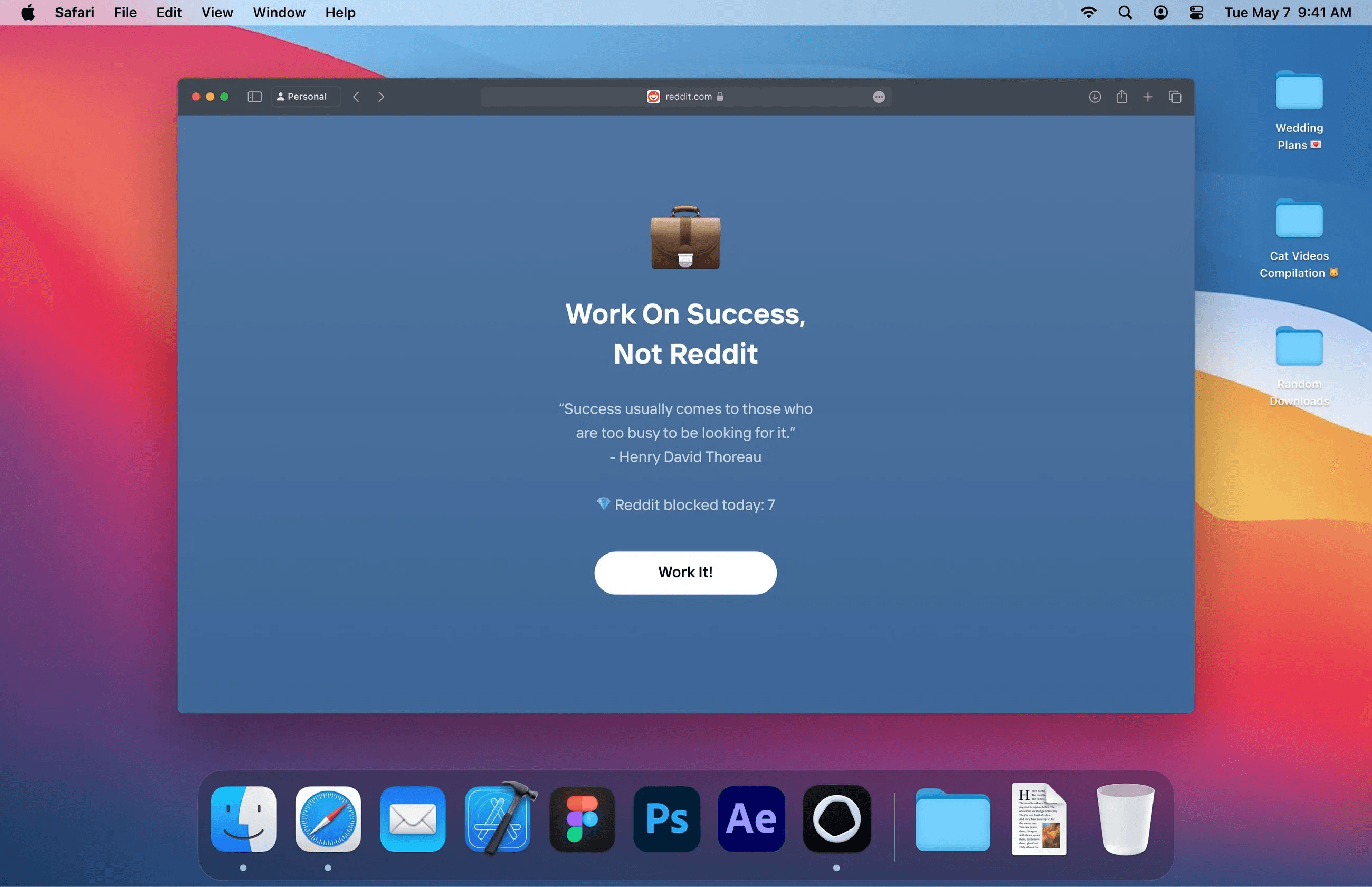
Opal is the modern, design-led alternative in this list. On the iPhone, where it started, it is the best blocker there is, an App Store Editors' Choice rated 4.7 out of 5 across more than ninety thousand ratings. Its Mac app brings the same approach to the desktop, with rules and focus sessions that block apps and websites behind an interface that makes most of this list look dated.
The Mac version asks for more compromises than the phone. According to its own help page, it filters six browsers, Chrome, Safari, Opera, Edge, Brave and Arc, so Firefox and Dia stay open, and the app has to keep running. There is no Windows version, and no Pomodoro cycle either: its Timer blocks for one stretch of time, with no work and break rhythm. The free tier allows a single rule, and everything stricter sits behind Pro, one of the more expensive subscriptions in the category.
Key features
- Rules by schedule, time limit or number of opens
- Focus sessions, with a Hardcore mode that refuses early exits (Pro)
- An Allow Only mode that blocks everything outside a short list (Pro)
- A daily Opal Score, with its history on Pro
- One subscription across Mac, iPhone and Android
Pricing
Free with one rule, Pro $19.99 a month, $99.99 a year or $399 once.
Choose Opal if
you live on a Mac and an iPhone, want the most polished app in the category, and don't mind the price or doing without Firefox.
SelfControl
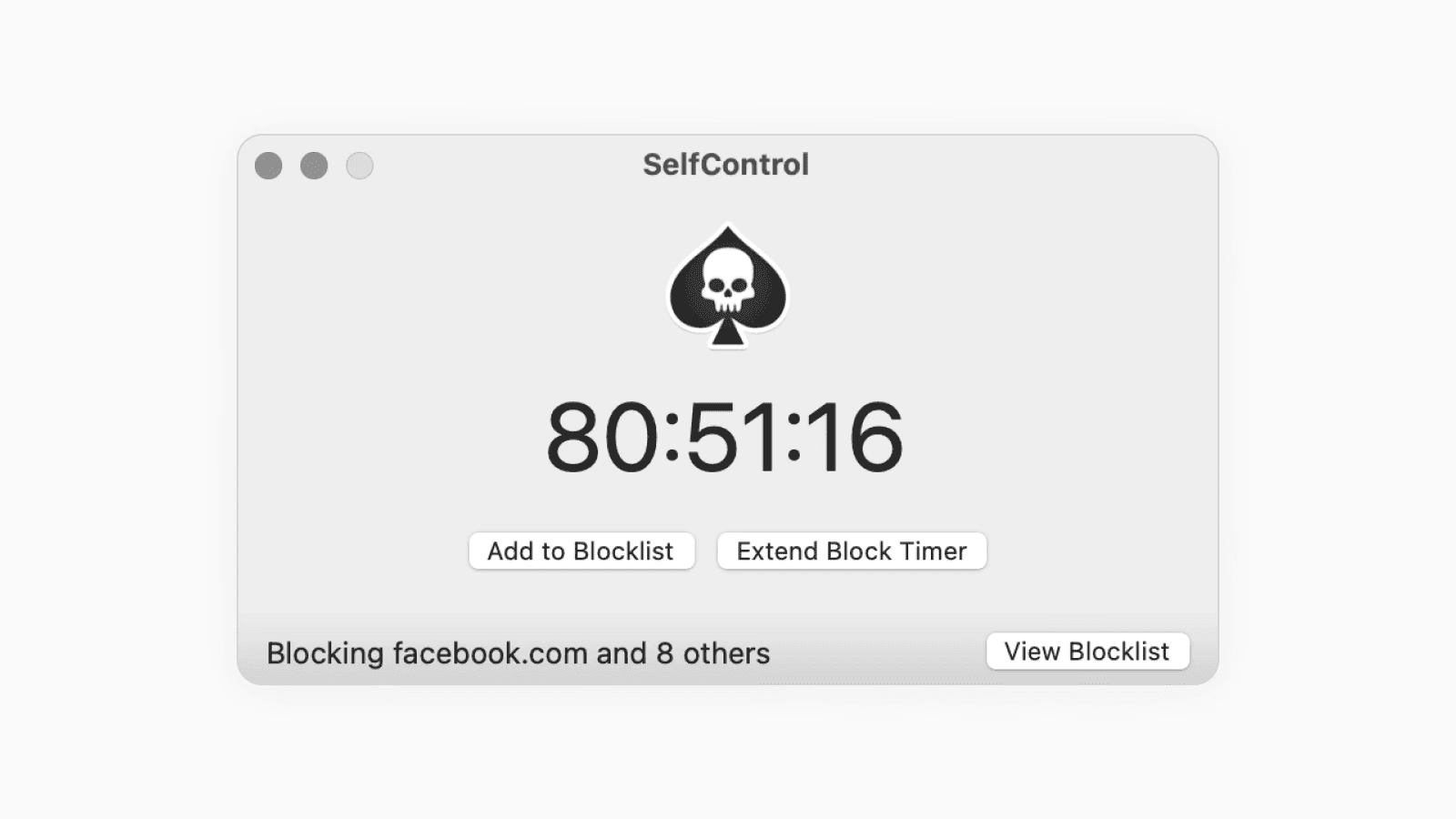
SelfControl is the bluntest tool here: free, open source and Mac only. Once a block starts, its own FAQ answers the question of how to stop it in two words, you can't. The block survives a restart and even deleting the application, which is exactly why its fans love it. “Works like a charm, without backdoors prone to self-sabotage,” one wrote on AlternativeTo.
It is also narrow. It blocks websites only, so Steam, Discord and every game on your desktop stay open, and the block ends the moment the timer does. There is a single countdown per block and no Pomodoro timer to pace the work inside it. Development has slowed too: the last tagged release dates from 2021, and a report from that year describes getting past it by changing the computer's clock.
Key features
- A blocklist or allowlist of websites
- Blocks that cannot be stopped until the timer ends, even after a restart
- Free and open source
- No account
Pricing
Free.
Choose SelfControl if
you're on a Mac, the problem is websites, and you want a free lock that simply cannot be stopped for the time you set.
LeechBlock NG
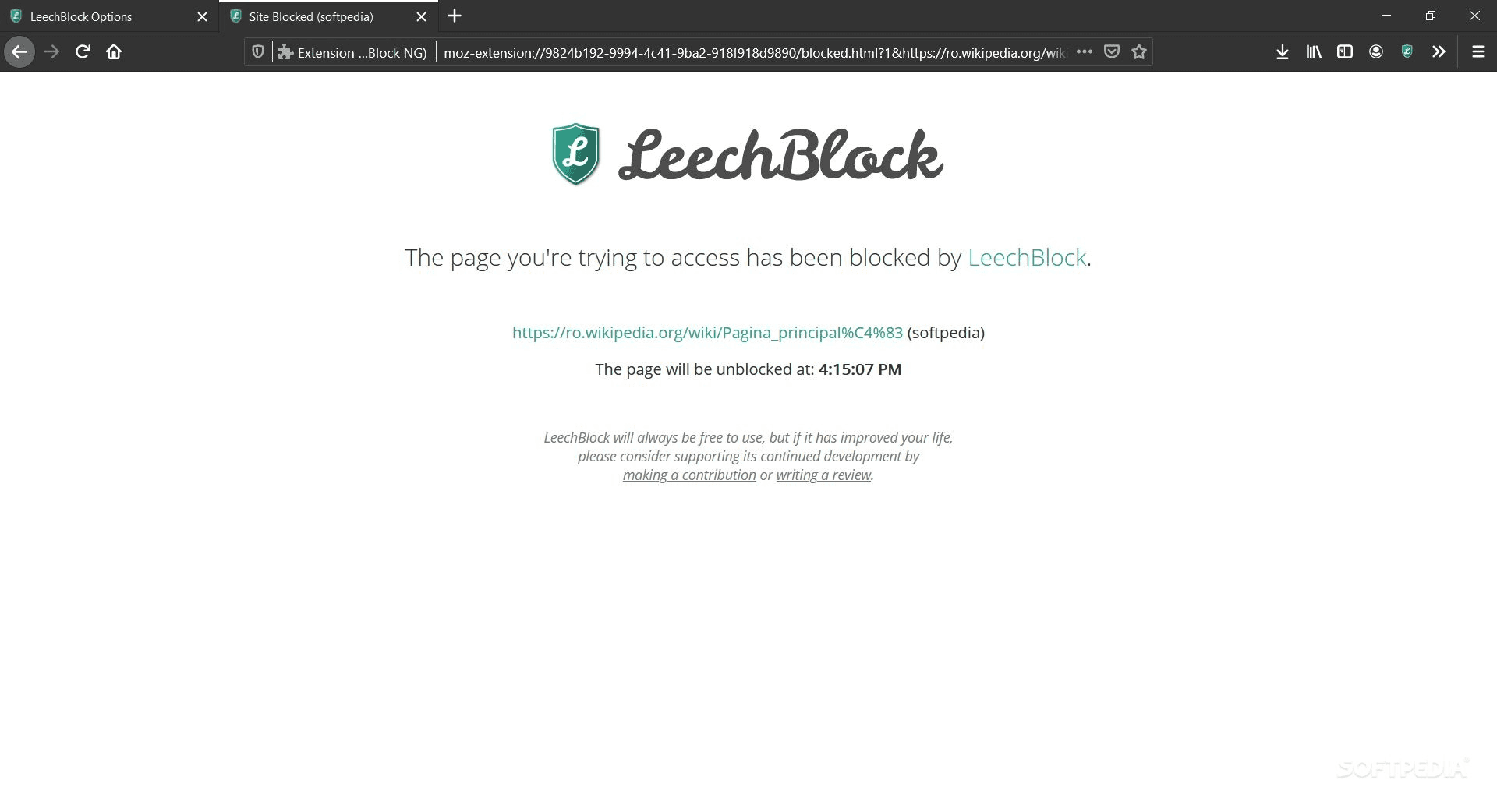
LeechBlock NG is free, open source and rated 4.8 out of 5 across more than two thousand Firefox reviews, the best-rated tool on this page. It lives inside your browser, and its own documentation is honest about what that means: an extension cannot stop you from removing it, and another browser is always one click away. Its block sets run on schedules and time limits, but there is no Pomodoro timer to pace a work session.
Which makes one five-star review the most useful line in this guide: “It blocked the sites nicely but it still couldn't stop me from being a procrastinating piece of shit.” The tool did its job and the person lost anyway. A blocker that asks nothing of you can only ever be a reminder, and LeechBlock NG is the best free reminder there is.
Key features
- Up to thirty block sets, each with its own sites and schedule
- Time limits, lockdowns and a delaying page before a site opens
- Options protected by a password or a random code
- Works in Firefox, Chrome and Edge
Pricing
Free.
Choose LeechBlock NG if
a gentle speed bump inside one browser is enough for you, and you want it free.
How to choose
- You work on Windows or a Mac and want a lock that holds. Coregent, or Cold Turkey if you would rather pay once for an older, proven tool.
- Your phone is the problem. Freedom, or Opal if you live on an iPhone and a Mac.
- You want it free. SelfControl on a Mac if websites are the problem, LeechBlock NG if one browser is.
Coregent is free to download for Windows and macOS. Get it here.
Questions people ask
What is the hardest website blocker to bypass?
On Windows and Mac, Cold Turkey and Coregent. A locked Cold Turkey block stops its own uninstaller, blocks browsers that lack its extension, and opens only through the exit you chose in advance. Coregent's Regent Mode seals your lists, timer and uninstaller, and opens only with a logged Strava workout or quotes retyped by hand. On a Mac, SelfControl cannot be stopped at all until its timer ends, but it only blocks websites.
Is there a free website blocker for Windows?
Yes. Cold Turkey Blocker has a free version for websites, Coregent has a free version that blocks sites, apps and games at the system level, and LeechBlock NG is a free extension that works inside one browser.
Can a website blocker block apps and games too?
Some can. Cold Turkey, Freedom, Coregent and Opal on a Mac block desktop apps as well as sites. SelfControl and LeechBlock NG block websites only, so Steam, Discord and any game already installed stay open.
Does incognito mode or another browser get around a website blocker?
It gets around any blocker that lives inside one browser, which is the limit LeechBlock NG states in its own documentation. Tools that filter below the browser, such as SelfControl, Cold Turkey during a locked block or Coregent, block the site whichever browser or window you open.